
Azure Data Engineering Roadmap 2026 – Step-by-Step Guide for Beginners
Introduction
Trying to learn Azure Data Engineering but feeling lost?
You’re not alone.
Most people:
- Learn Azure Data Lake separately
- Learn Data Factory separately
- Learn Databricks separately
But when asked to build a complete data pipeline, they get stuck.
Because knowing tools is not equal to knowing how to connect them.
In this blog, you’ll get a clear, step-by-step Azure Data Engineering roadmap that shows:
- What to learn
- In what order
- How everything connects in real projects
What is Azure Data Engineering?
Azure Data Engineering is the process of:
- Collecting data
- Storing data
- Processing data
- Serving data for analytics
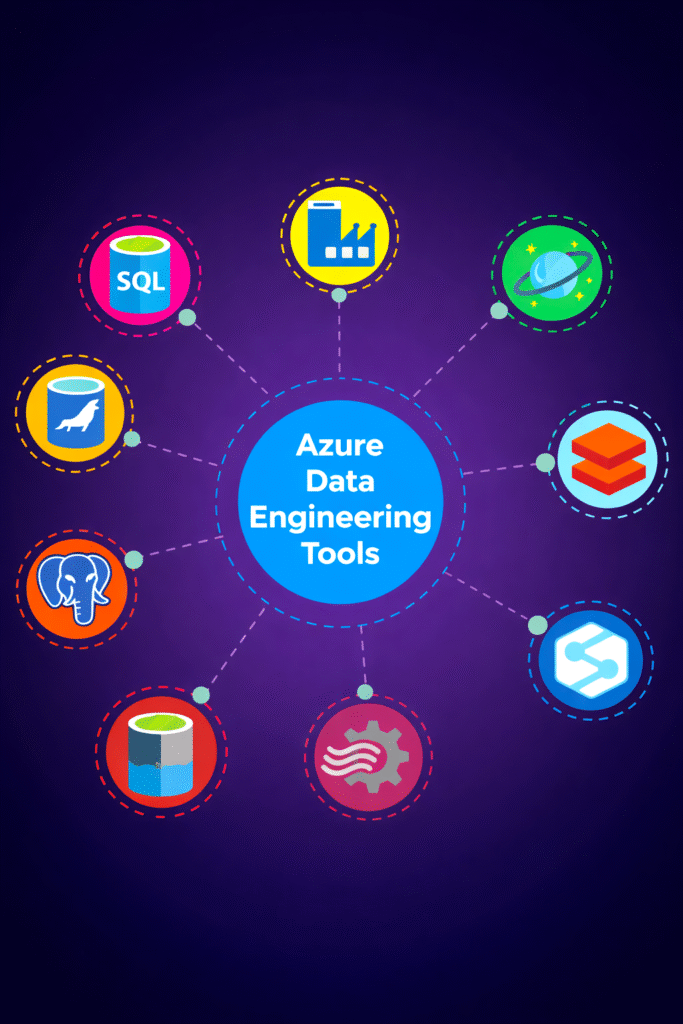
Using Azure services like:
- Azure Data Lake Storage
- Azure Data Factory
- Azure Databricks
- Azure Synapse Analytics
In simple terms:
You build data pipelines that move and transform data on Azure.
Step 0: Foundation (Before Azure)
Before learning Azure tools, you must learn basics.
Learn:
- SQL (queries, joins, aggregations)
- Python (data processing, APIs)
- Data modeling
- ETL vs ELT
These are core skills required for any data engineer.
Step 1: Data Storage (Azure Data Lake)
Every pipeline starts with storage.
Azure Data Lake Storage is used to store:
- Raw data
- Processed data
- Curated data
Typical structure:
- Raw layer
- Processed layer
- Curated layer
Without proper storage design, pipelines become difficult to manage.
Step 2: Data Ingestion (How Data Enters)
Data comes from multiple sources:
- APIs
- Databases
- Applications
- Files
Azure Data Factory is used for ingestion.
It supports:
- Batch ingestion
- Pipeline-based ingestion
- Data movement
Azure Data Factory helps move data from source to storage.
Step 3: Data Processing (Core Layer)
This is where data is transformed.
Tools used:
- Azure Databricks (Spark)
- Azure Synapse
Typical work:
- Data cleaning
- Schema validation
- Transformations
This is where raw data becomes useful.
Step 4: Data Warehousing (Analytics Layer)
After processing, data is stored for analytics.
Azure Synapse Analytics is used for:
- SQL queries
- Reporting
- Data warehousing
Proper table design improves performance.
Step 5: Orchestration (Pipeline Automation)
Pipelines are not run manually.
Tools used:
- Azure Data Factory pipelines
- Synapse pipelines
They control:
- Execution order
- Dependencies
- Scheduling
Step 6: Monitoring and Logging
Production pipelines must be monitored.
Tools:
- Azure Monitor
- Log Analytics
Used for:
- Tracking failures
- Debugging
- Performance monitoring
Step 7: Security and Access Control
Security is very important.
Used for:
- Role-based access
- Data protection
- Secure pipelines
Azure uses:
- IAM roles
- Access policies
Step 8: Core Skills (Must Have)
To succeed in Azure Data Engineering:
SQL
- Querying
- Data validation
Python
- Automation
- Data processing
Spark
- Distributed processing
These are mandatory skills.
Step 9: Data Quality and Testing
Data must be validated before use.
Includes:
- Schema validation
- Null checks
- Data consistency
Ensures reliable pipelines.
Step 10: CI/CD and Deployment
Modern pipelines use automation.
Flow:
- Code pushed to Git
- Pipeline triggered
- Tests executed
- Deployment happens automatically
Step 11: Execution Layer
Data processing runs on:
- Azure Databricks
- Synapse
This is where large-scale data is processed.
Step 12: End-to-End Azure Data Pipeline
Complete flow:
- Data ingested from APIs or databases
- Stored in Azure Data Lake (raw layer)
- Data Factory triggers pipeline
- Databricks processes data
- Stored in processed/curated layers
- Loaded into Synapse
- Used for analytics