

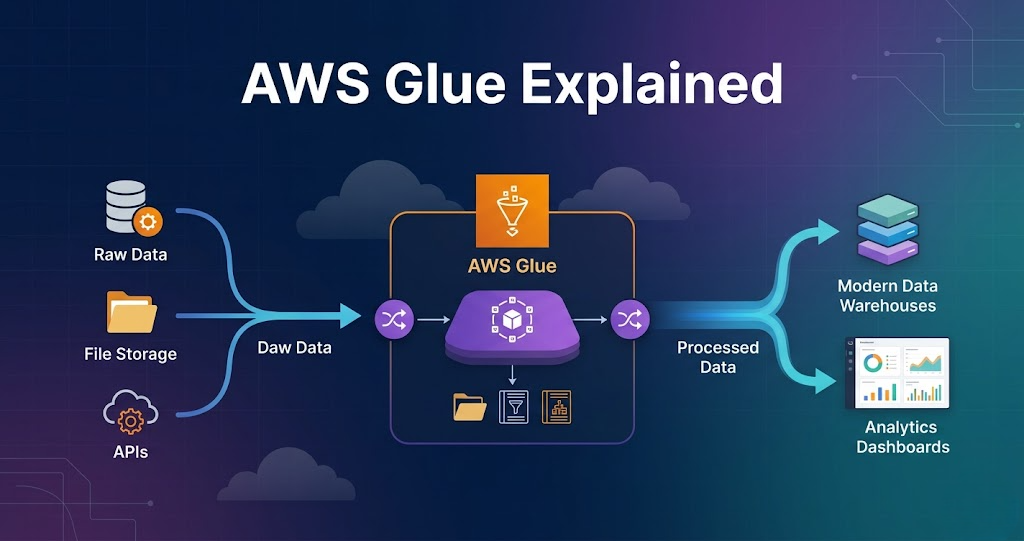

AWS Glue Explained with Real Example – Complete Guide for Data Engineers
Introduction
Trying to learn AWS Glue but feeling confused how it is actually used in real data engineering projects?
You’re not alone.
Most people:
- Learn what AWS Glue is
- Learn ETL jobs
- Learn PySpark basics
But when asked how AWS Glue fits into a real data pipeline, they get stuck.
Because knowing AWS Glue features is not equal to knowing how it is used in real projects.
In this blog, you’ll understand:
- What AWS Glue is
- How AWS Glue works
- Step-by-step pipeline flow
- Real-world example
What is AWS Glue?
AWS Glue is a serverless data processing service used for ETL (Extract, Transform, Load).
AWS Glue is used to process and transform data.
AWS Glue in Data Engineering
In real projects, AWS Glue is used for:
- Data transformation
- Data cleaning
- Schema validation
- ETL pipelines
AWS Glue is the core processing layer in AWS pipelines.
Step 1: Data Source (Where Data Starts)
Data comes from:
- APIs
- Databases
- Files
- Applications
Example:
Data is stored in Amazon S3 raw layer.
Step 2: Glue Crawlers (Schema Detection)
Glue crawler scans data.
It:
- Reads files
- Identifies schema
- Creates tables
Stored in:
- Glue Data Catalog
This helps query data easily.
Step 3: Glue Jobs (Core Processing)
Glue jobs perform transformations.
Using:
- PySpark
- Spark
Tasks include:
- Data cleaning
- Filtering
- Aggregation
This is where real processing happens.
Step 4: Transformations
Common transformations:
- Remove null values
- Change data types
- Filter records
- Aggregate data
Flow:
Read → Transform → Write
Step 5: Data Output
Processed data is written to:
- S3 (processed layer)
- S3 (curated layer)
Data is stored in:
- Parquet format
Step 6: Integration with Other Services
AWS Glue works with:
- Lambda (trigger)
- Step Functions (orchestration)
- Redshift (analytics)
Flow:
Lambda → Glue → S3 → Redshift
Step 7: Scheduling and Automation
Glue jobs can be:
- Scheduled
- Triggered
Ensures pipelines run automatically.
Step 8: Monitoring and Logging
Glue provides:
- Job logs
- Execution details
- Failure tracking
Used for debugging.
Real Example (End-to-End Pipeline)
E-commerce pipeline:
- Orders data stored in S3 raw layer
- Glue crawler detects schema
- Glue job reads data
- Cleans and transforms data
- Writes to processed layer
- Data loaded into Redshift
- Dashboard shows results
Why AWS Glue is Important
- Serverless processing
- Handles large data
- Integrates with AWS
- Simplifies ETL
Without Glue, processing becomes complex.
Common Mistakes
- Not optimizing partitions
- Using too many transformations
- Ignoring performance tuning
- Not handling schema properly